Workshop 2025-Q2
Use Cursor in Slack
Learn how to integrate Cursor with Slack for seamless code review and collaboration, including setup tips and workflow enhancements.

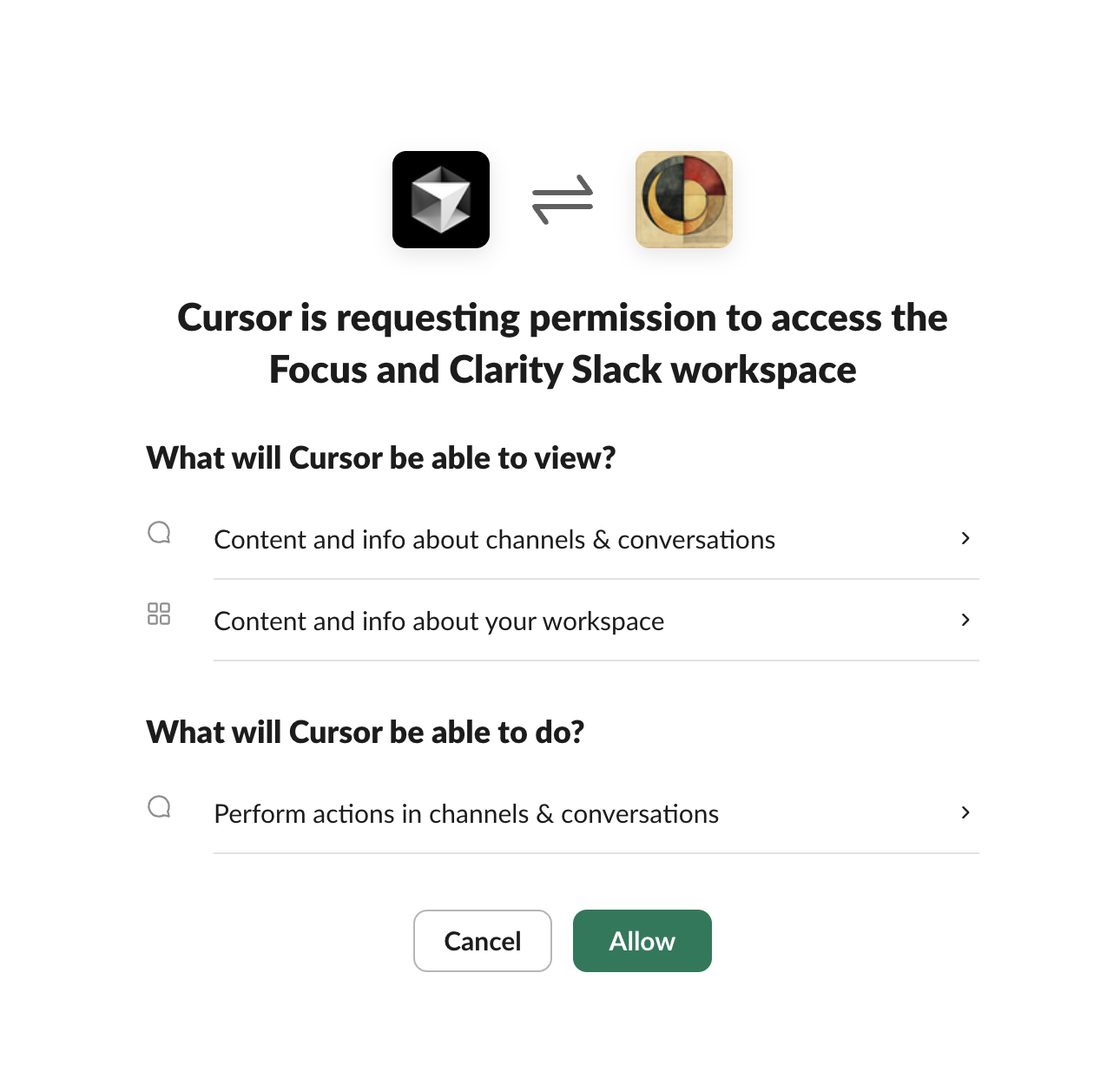
First, go and Connect Cursor with Slack
 Add @cursor to a channel
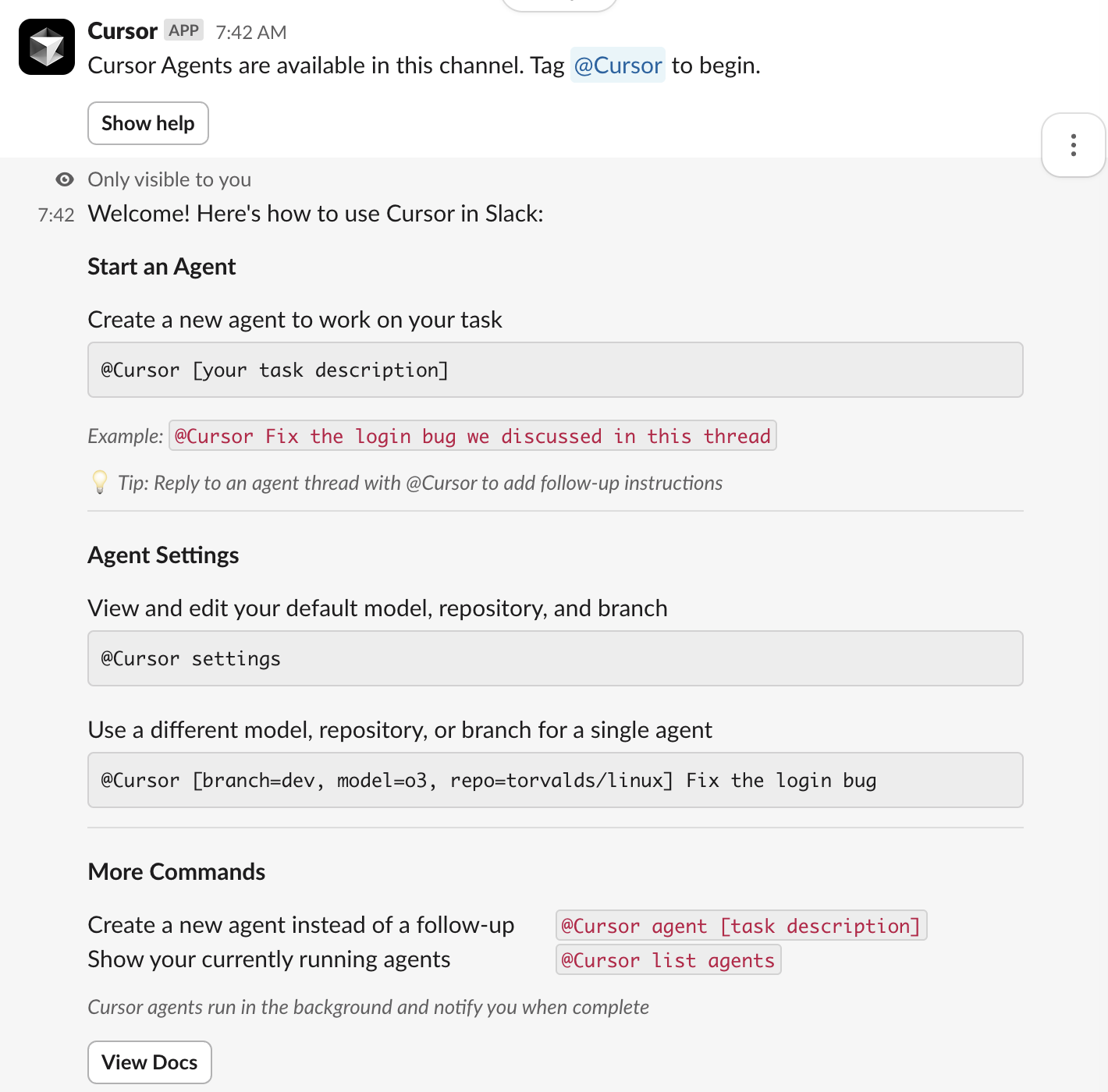
@Cursor settings
In here set the default channel repo, in my case The-Focus-AI/registry
@Cursor please change the design of this to something more awesome
You can open it up in Cursor (if you have the project open locally) and add a follow up if you don’t like what you see.
Very cool.